Pages

Showing posts with label BrainPOP. Show all posts

Tuesday, September 11, 2018

BrainPOP in BVSD: Molly Kirk

Our series of spotlighting teachers who use BrainPOP concludes with Molly Kirk, a 5th grade teacher at Foothill Elementary. To get started, visit the BrainPOP in BVSD webpage, and for more ideas about how to use it in the classroom, check out Part 1 & Part 2 of this blog series!


Molly Kirk, 5th Grade Teacher | Foothill Elementary
21st Century Cohort 3.0
Class Website
Molly is currently in her 9th year of teaching 5th grade at Foothill Elementary. She has worked in BVSD as an elementary teacher, a secondary Language Arts teacher and in the GT and Literacy programs. Molly has a Masters in Education from University of Colorado and is endorsed K-12. She is a member of the BVSD 21st Century Cohort 3.0 and thinks the IT department is awesome!


How do you use BrainPOP in your classroom?
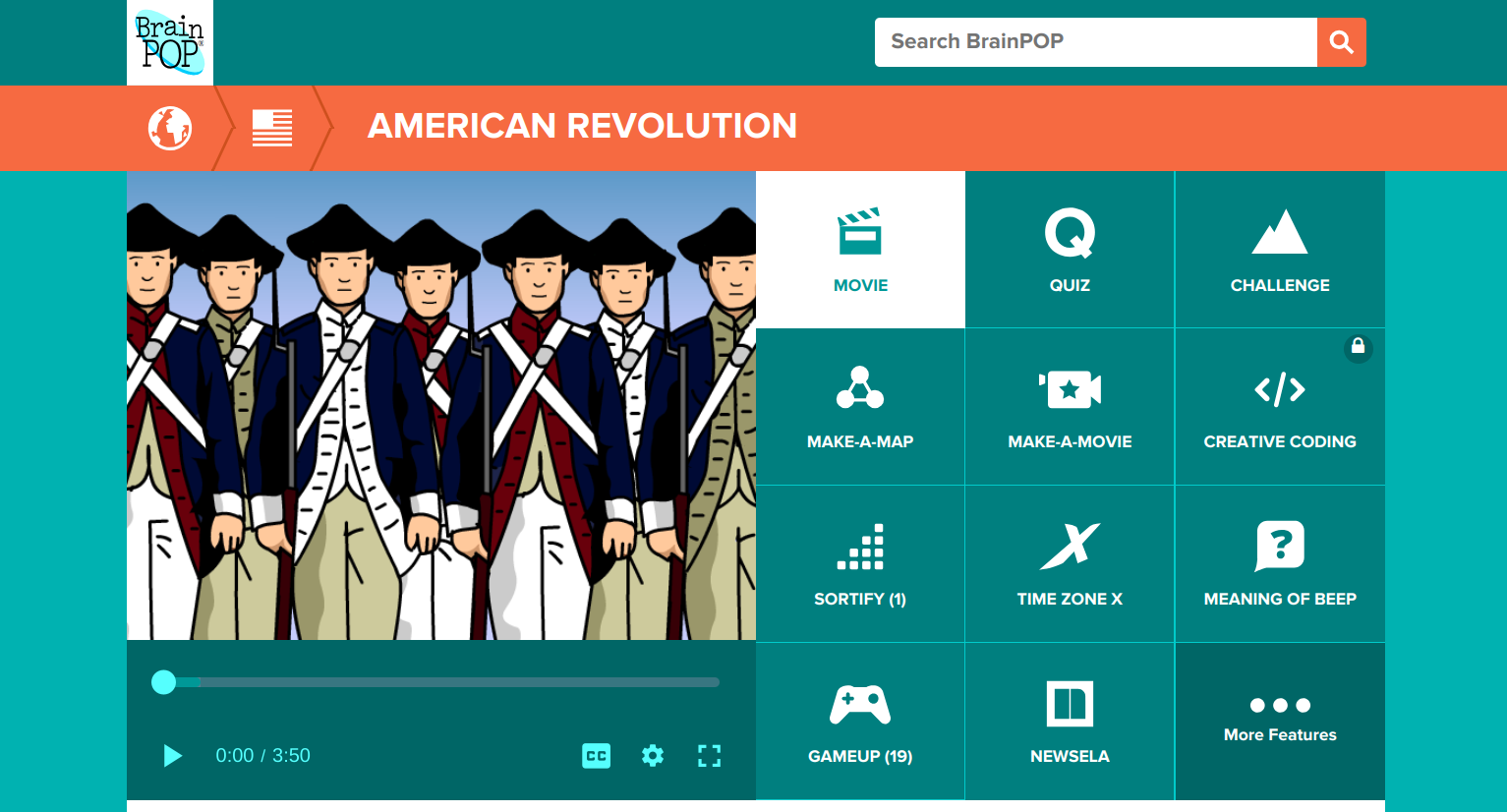

One of the things I love about BrainPOP is the versatility. I am able to find a BrainPOP video for almost any topic I teach. Along with the variety of topics, there are also so many different ways to use BrainPOP beyond the videos with Moby.

Recently, we watched two videos about the American Revolution as an introduction to the important events leading up to the Revolution. The kids did a scavenger hunt of sorts using the American Revolution Timeline in GameUp. They had a list of six events and needed to put them in chronological order using the Timeline as a resource. Then they could choose three battles of the Revolutionary War to read more about. The additional links in the game were informative and we found the students engaged and seeking additional information on topics that they found interesting.

What do you see as the benefits of using BrainPOP?

BrainPOP allows me to apply the 4 Cs easily. My students can be creative as they design their own Make-A-Map which also taps into their critical thinking skills. I love seeing their thinking as they share Snapthoughts with me which also allows them to communicate their thinking. We frequently use BrainPOP with partners or in small groups to allow students to collaborate. I can differentiate by using the FYI and Activities and I love having access to BrainPOP EspaƱol for my Spanish speakers. They can watch the videos in both English and Spanish to reinforce content specific language. One of my favorite things is that from time to time I will log on and see that my students are using BrainPOP at home to learn about topics they are individually interested in.
Editor’s note: For more information on how to use the educator dashboard, go to the BrainPOP Help Center.

If you had one piece of advice to give about BrainPOP, what would it be?


Go beyond the movies and the quizzes. BrainPOP has so much more to offer that allows you to tap into higher-level thinking skills. So much technology just entertains; the full spectrum of BrainPOP allows students to truly engage in the learning process.

Monday, July 16, 2018

BrainPOP in BVSD: Michelle Eckstein

Our series of spotlighting teachers who use BrainPOP continues with Michelle Eckstein, the Elementary Technology Teacher at Peak to Peak Charter School. To get started, visit the BrainPOP in BVSD webpage, and for more ideas about how to use it in the classroom, check out Part 1 of this blog series!


Michelle Eckstein, Elementary Technology Teacher | Peak to Peak Charter
21st Century Cohort 4.0
@mdeckstein | Website

Michelle has been teaching in elementary schools for 10 years, and is currently the Elementary Technology Teacher at Peak to Peak Charter School. Prior to joining the staff at Peak to Peak, she was the TAG Educational Advisor at High Peaks Elementary and Lafayette Elementary Schools. She has a Masters in Gifted Education from the University of Connecticut and endorsements in elementary education, gifted education, and instructional technology. She loves seeing students authentically engaged when they are creating with technology.


How do you use BrainPOP in your classroom?


I use many of the digital citizenship videos and activities in my classroom as well as using the BrainPOP videos to introduce coding to students. Students and I really like the Meaning of Beep. In this game students compete against the computer or a classmate as they improve their academic vocabulary on the topic being studied.

What is one of your favorite things that you have done with BrainPOP?


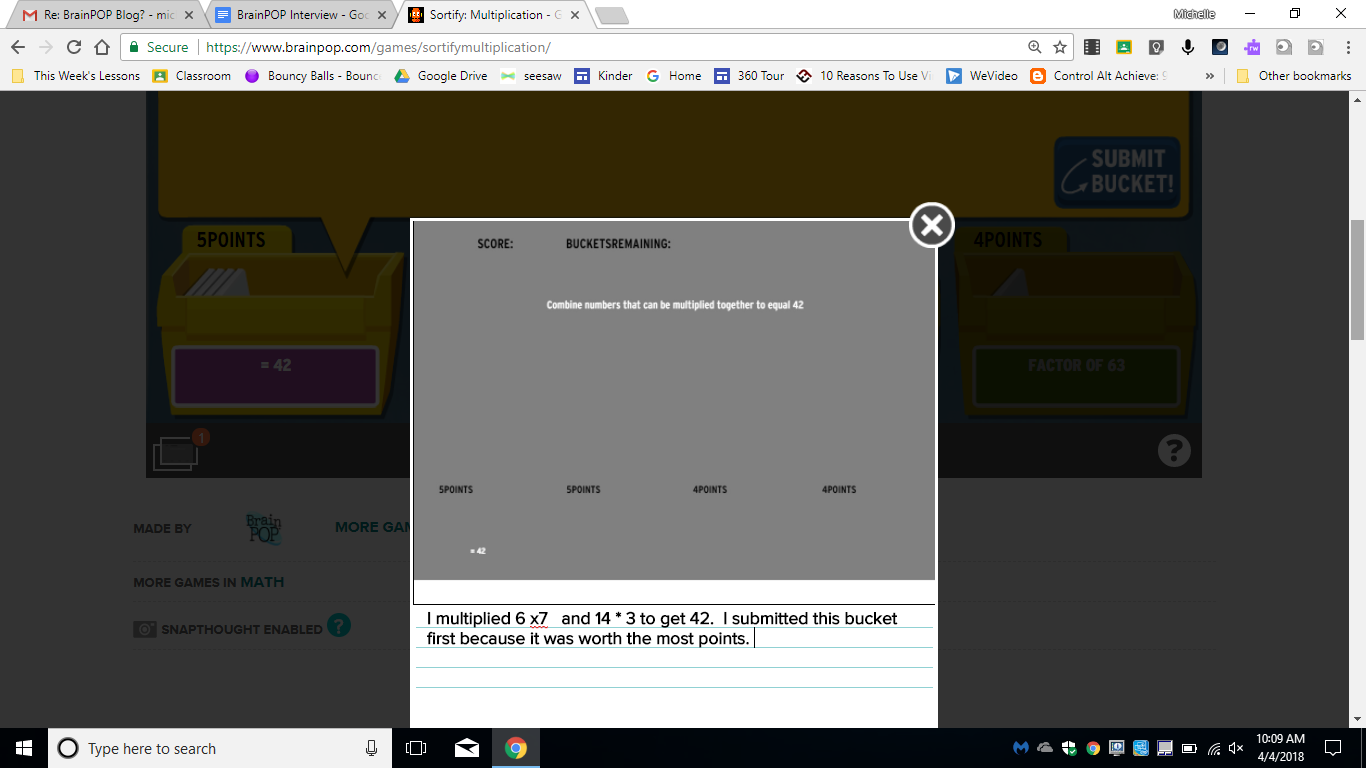
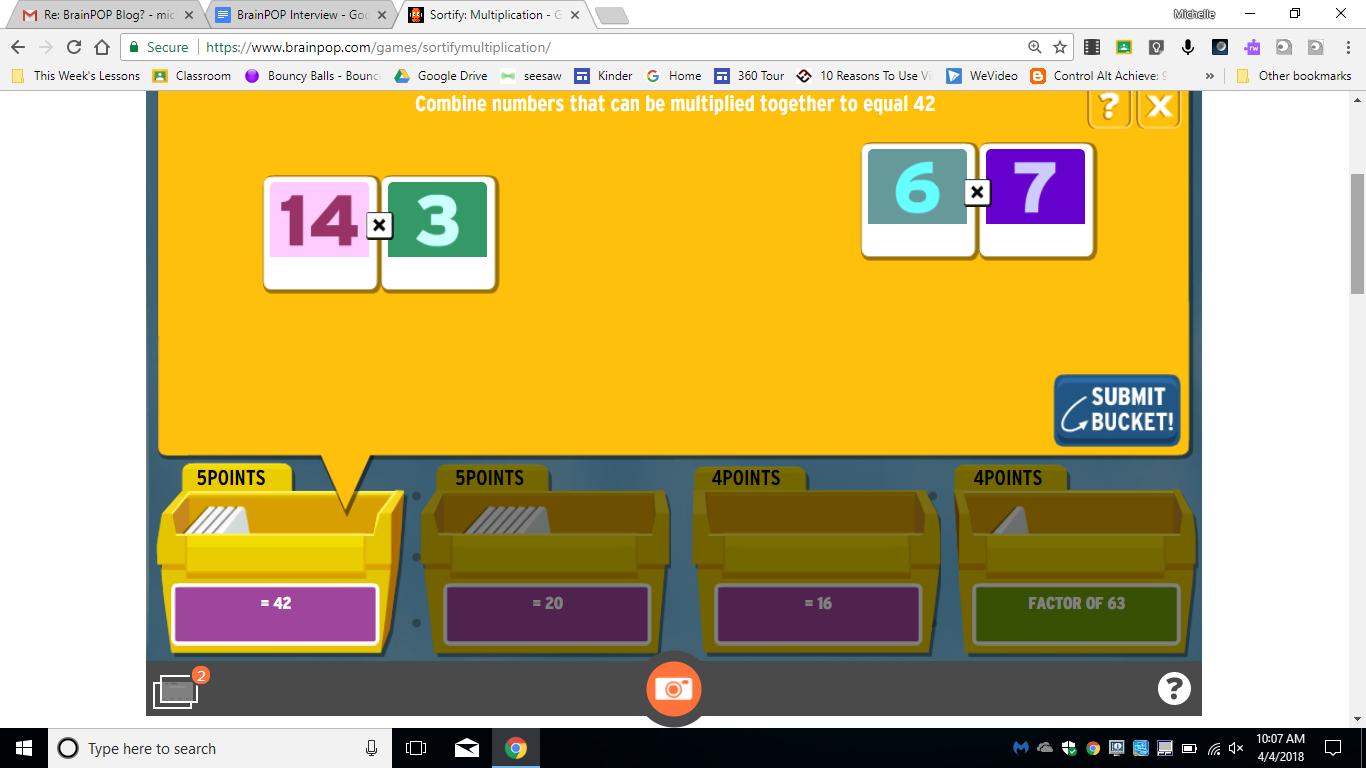
One of my favorite BrainPOP features is the SnapThought tool. Using this tool students can capture their thinking while playing a game. It’s a great tool to use as students play Sortify. SnapThought allows students to grab a screenshot at a moment during game play. They then reflect on their thinking. In the example below, a student is playing Sortify Multiplication and uses the SnapThought tool to take a screenshot during game play. They then explain their thinking and submit their thinking to the teacher. Students love game play, and the SnapThought tool increases the cognitive demand by asking students to explain their thinking.


How is BrainPOP helping your students?


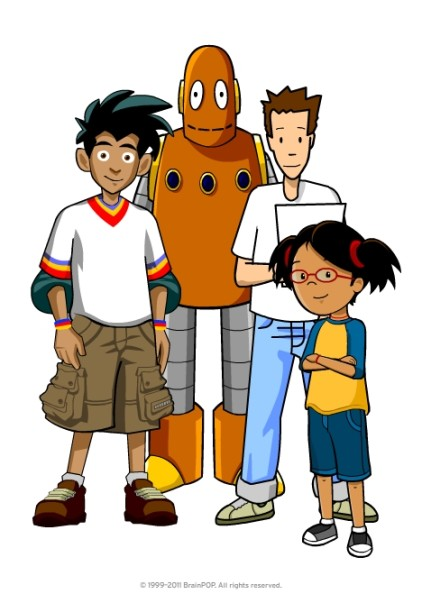
Students enjoy the BrainPOP characters: Tim, Moby, & Annie. The characters and humor in the videos keep students engaged. I find BrainPOP a great way to introduce a topic and build background knowledge, and then I can use many of the activities for students to engage with the content. I love the number of choices for students to show what they know and think critically about the content. I like using Make-a-Map as a collaborative activity for students to think together about most important ideas of a video. The creative tools of Make-a Movie and Creative Coding provide opportunities for collaboration, critical thinking, creativity, and communication. I’m really looking forward to using these new tools more often!


If you have one piece of advice to give to another teacher, what would it be?


My advice to others wanting to get started on Make-a-Movie or Creative Coding is to start with a small group. Give them some time to learn how to use BrainPOP to create and then have them be your “experts”. In the beginning it can be a bit overwhelming for some students to figure out how to create with Creative Coding or Make-a-Movie. Having a few student experts will enable you to focus on helping students with higher level thinking and not get bogged down with teaching the tool. I’m planning to start with my 4th and 5th grade Student Tech Team as experts and they will then train others in their classes to help as well.


Anything else to share?


The BrainPOP Certified Educator program is a great way to get to know some of the less frequently known features of BrainPOP. I’d highly recommend this free training.

Tuesday, June 5, 2018

BrainPOP in BVSD

Did you know that BrainPOP is available in BVSD for all K-8 students? If you are not already using this resource in your classroom, check out the BVSD BrainPOP page to get started!


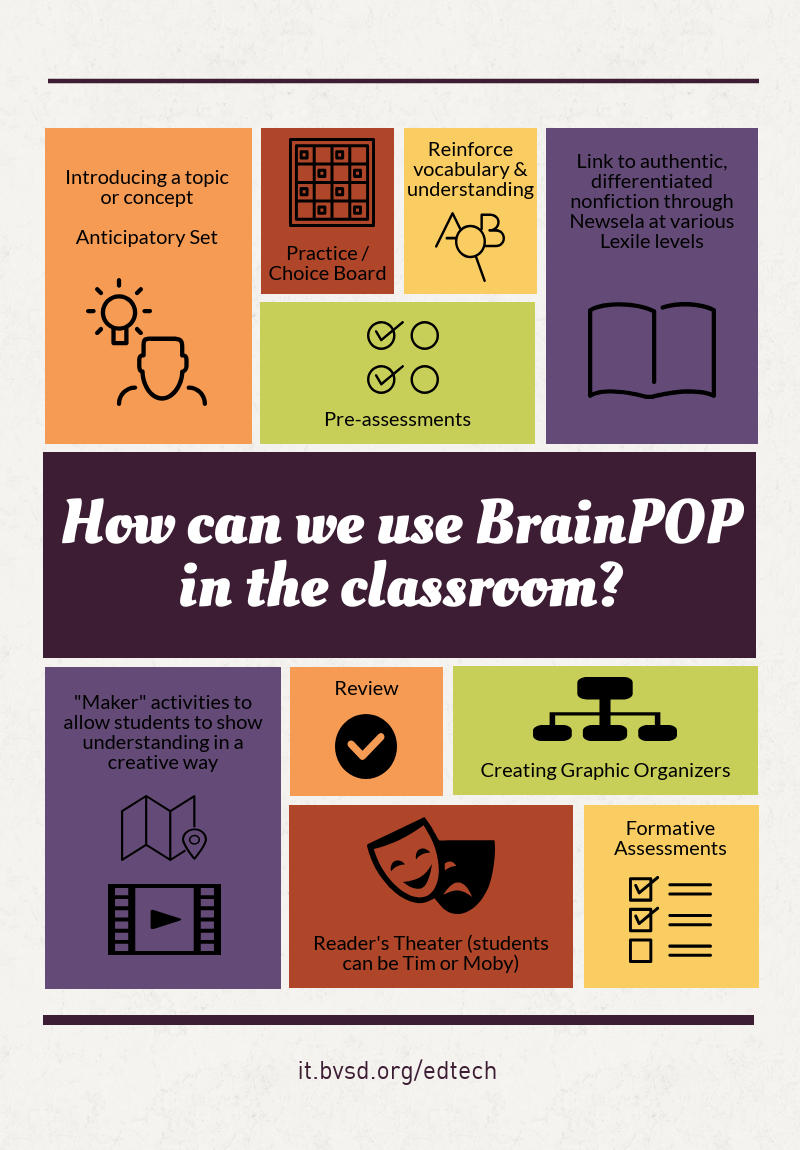
How can you make the most of this awesome resource?

Some of our BVSD teachers share their best tips & tricks below!


Along with these fun projects, teachers shared how they appreciate the way BrainPOP allows students to access content, no matter what their academic level is. The visual animation is attention-grabbing and effective, and Tim & Moby, the funny and friendly guides, are an instant hit with students! One growing resource is their digital citizenship collection, which can be used with any content area. The activities change with each movie, so they never get boring, and many are available in a printed format if needed. Additionally, because the videos are short, they are easy to incorporate throughout a unit of study.


How have you used BrainPOP in your classroom this year?