Data Privacy Day is an international effort held annually on January 28 to create awareness about the importance of respecting privacy, safeguarding data and enabling trust. Privacy and protecting personal information is not only important to BVSD, but something we are striving to teach our students about to prepare them for their futures.

In this teacher spotlight, we will hear from
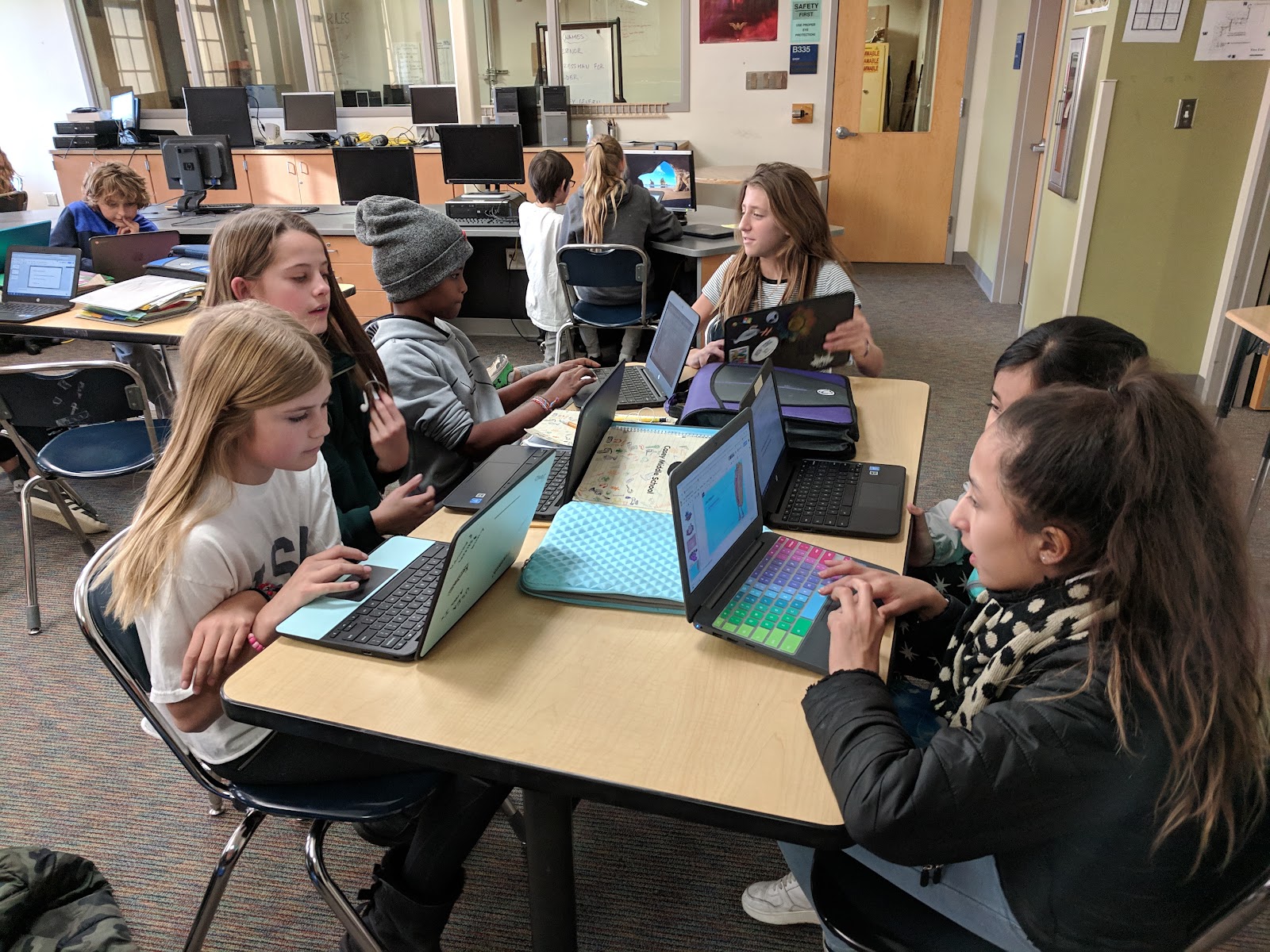
Mai Vu who is a teacher at Casey Middle School where she teaches Applied Sciences, Intro to Computing, and Design Technology. Throughout these courses, she carefully weaves in thoughtfully designed lessons around cybersecurity that mirror experiences students will have in the real world when it comes to data privacy, security, and safety. Learn more about her and her student’s work below.
 What are your main goals when teaching students to manage their personal data and maintain digital privacy and security?
Students who are taking this class were born in the same year as the introduction of the iPhone and they do not know what it means to NOT have access to WiFi or to NOT be online. Internet connection is a utility to them--it’s always been a part of their life.
With this as the backdrop, my main goal is to help students make smart decisions when they are online. Using the guiding principles from the “
Be Internet Awesome” curriculum by Google, we look at the fundamentals of digital citizenship and infuse it with cybersecurity. When the students leave my class, they can “play safe, learn safe and stay safe” online.
What do you think is the most important thing to teach students about cybersecurity?
 Why?
Why?
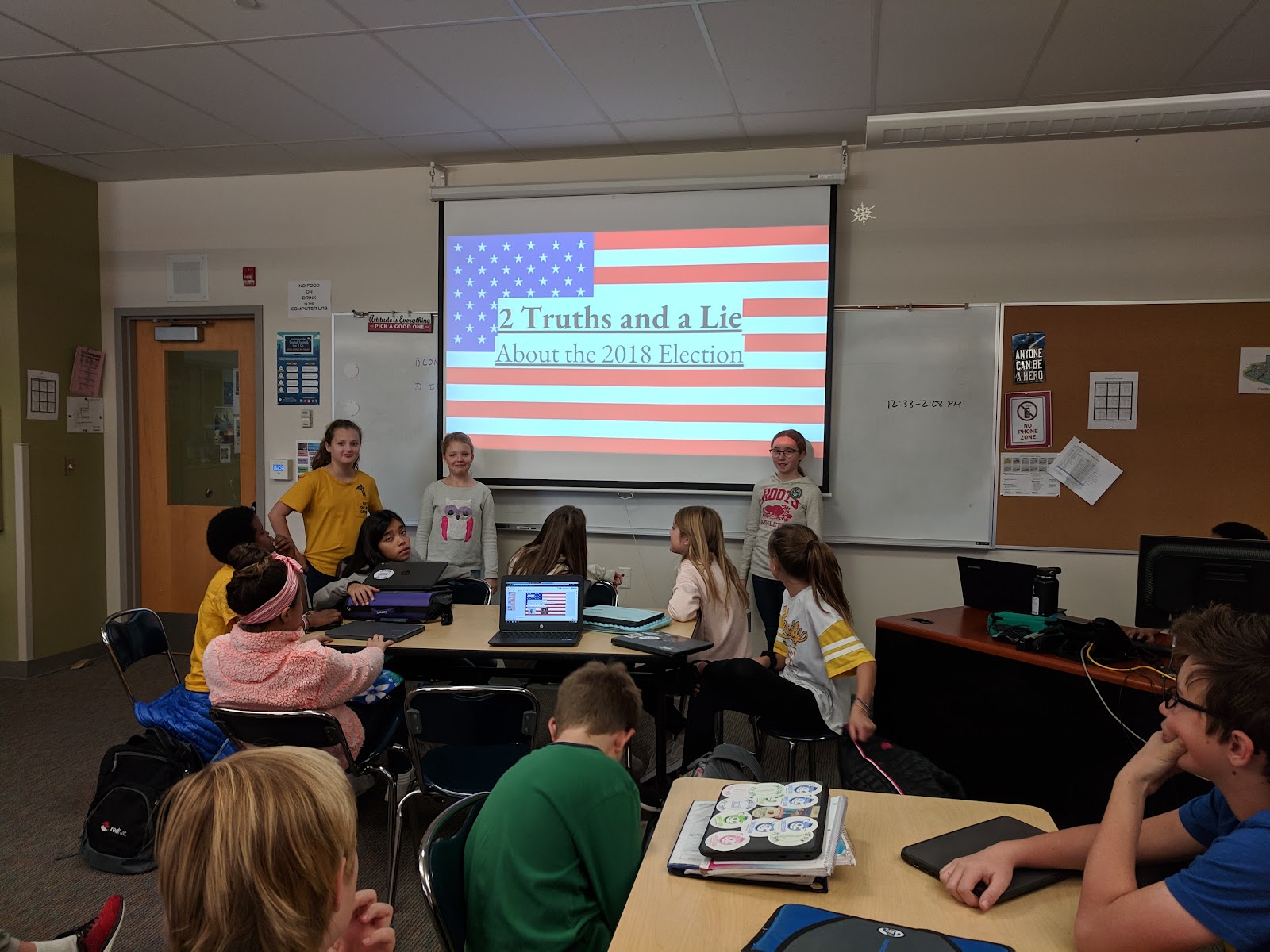
Even as software and artificial intelligence continue to improve for early detection of cyber threats, we will always need humans to interpret, analyze, and make sense of the mountain of data. Utilizing a concept called “Defense in Depth”, which is a multi-layered approach to cybersecurity, I like empowering students to understand this concept so they can help themselves, their family, and their community to reduce their exposure to cyber crimes. The “bad guys” will always be one step ahead of us. The best way to thwart these crimes is through education. Concentrating on soft skills such as critical thinking and the concept of misinformation is a great start towards a career in cybersecurity. The technology will continue to change and evolve, but the need for critical thinking, teamwork, and strong communication skills will always be in demand since many failures are due to human error.
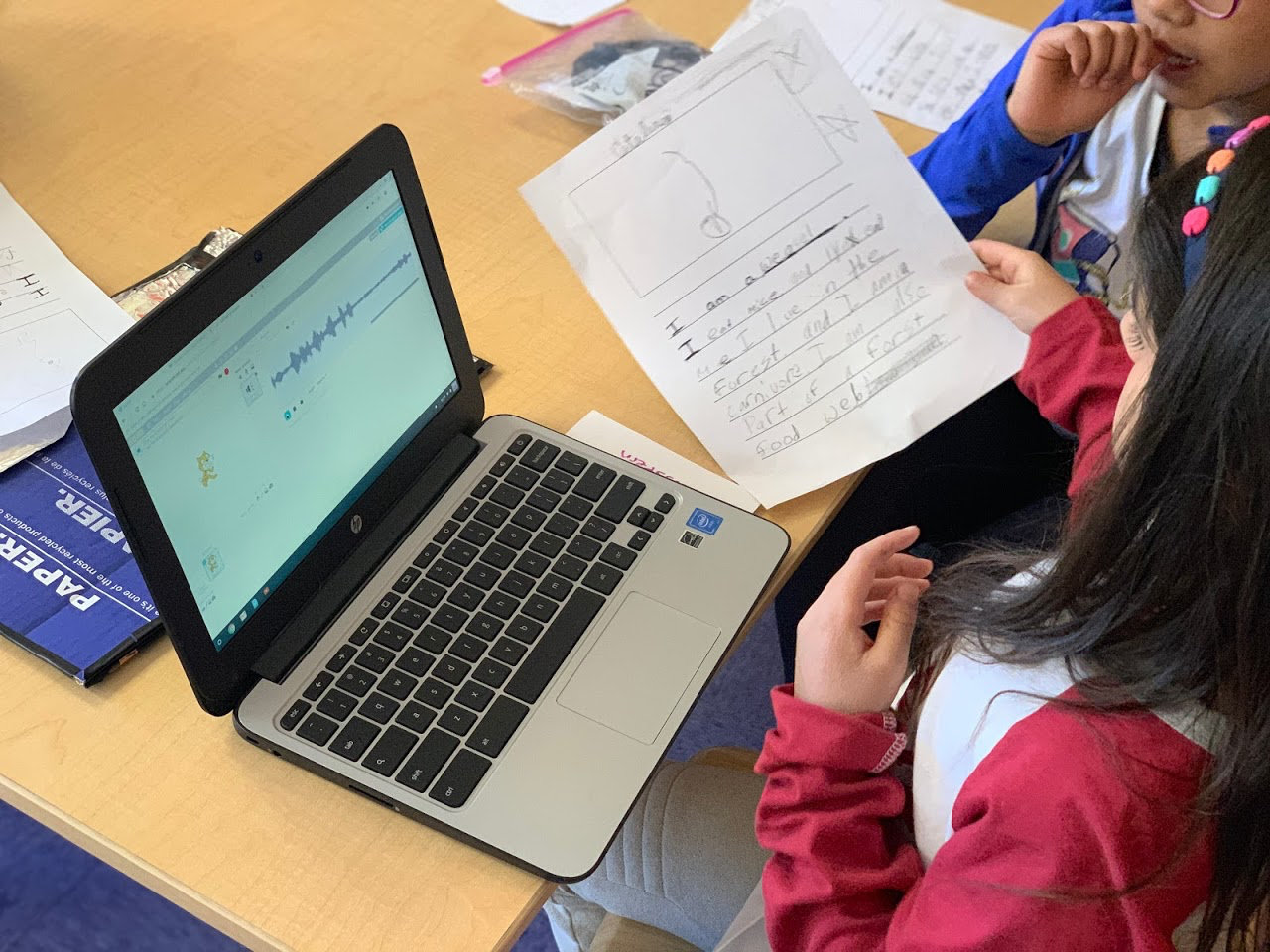
In the above picture, to illustrate the concept of misinformation while combining civics, the students created a game called “Two Truths and a Lie” to test their fellow colleagues about our newly elected officials.
How do you teach students to apply cybersecurity practices and concepts into real life?
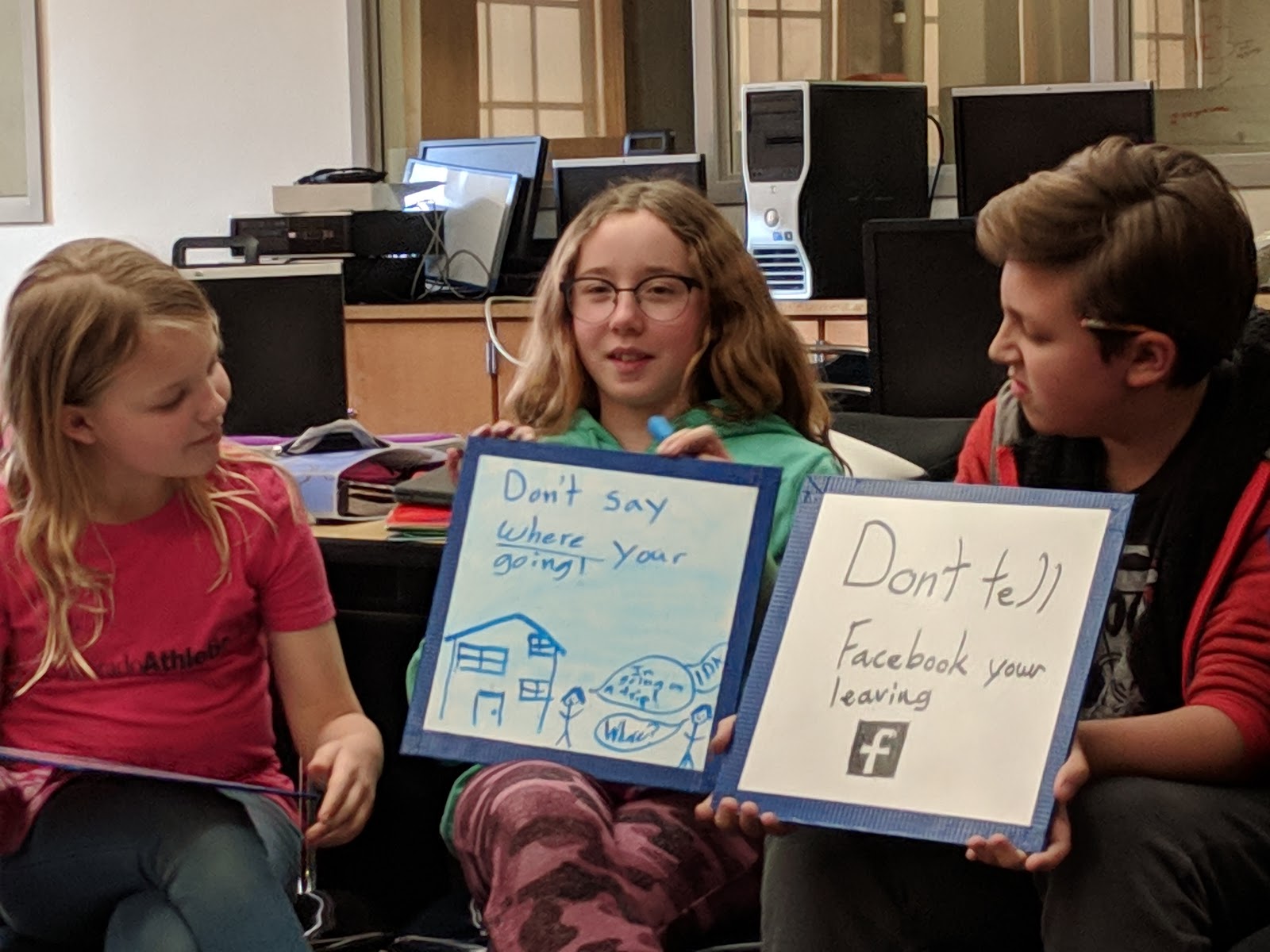
I like to take current events and use it to set up a lesson activity. In this example, as students were preparing for their Thanksgiving break, we discussed actions they could take in preparation for traveling out of town.
Burglars like to use social media postings to find their next victim, and we discussed ways to prevent these types of crimes. One suggestion was not to post pictures until they came back from their trip, or not tell the world they are leaving for a trip.
What is your student’s favorite thing to learn in your class?
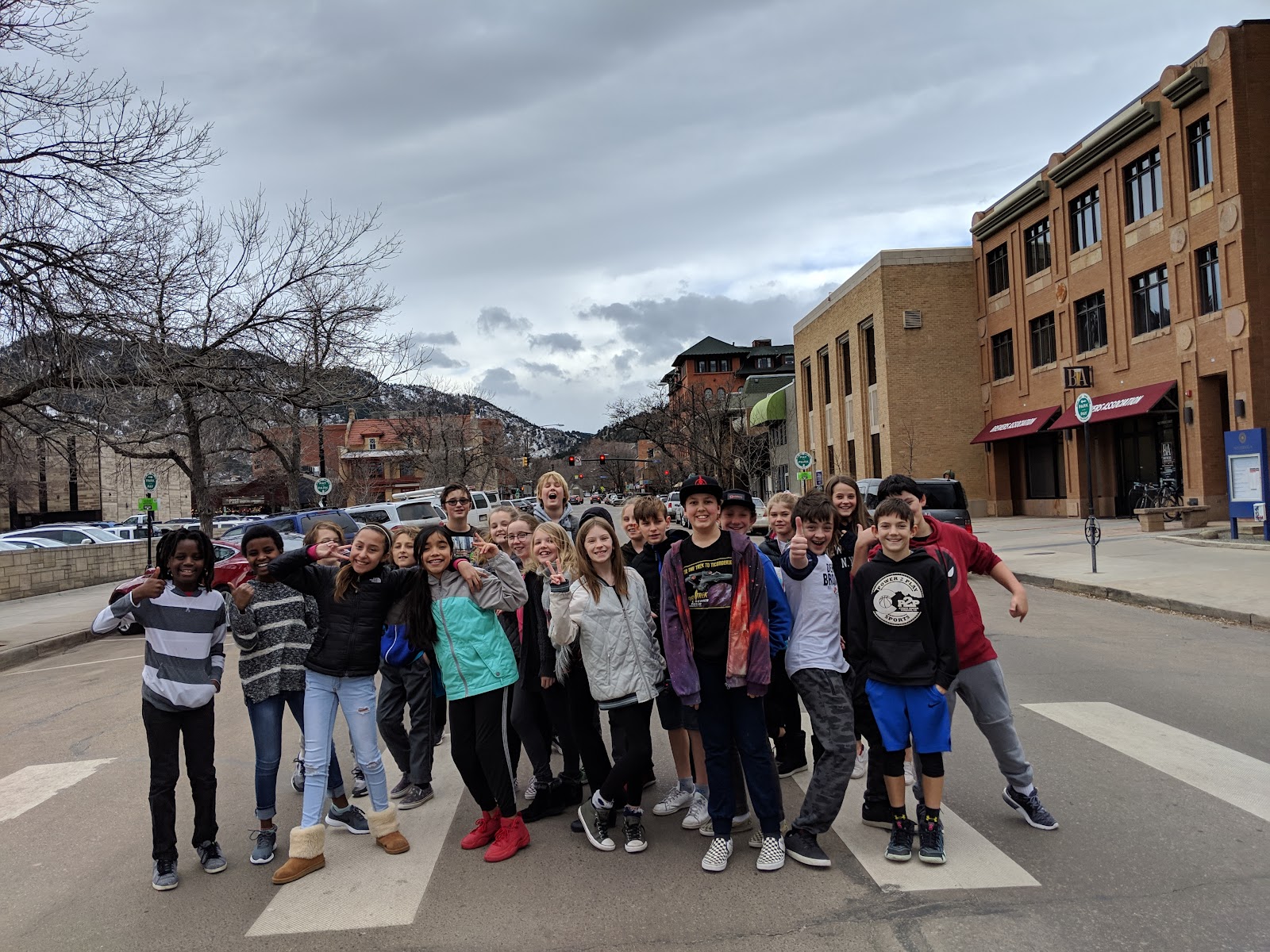
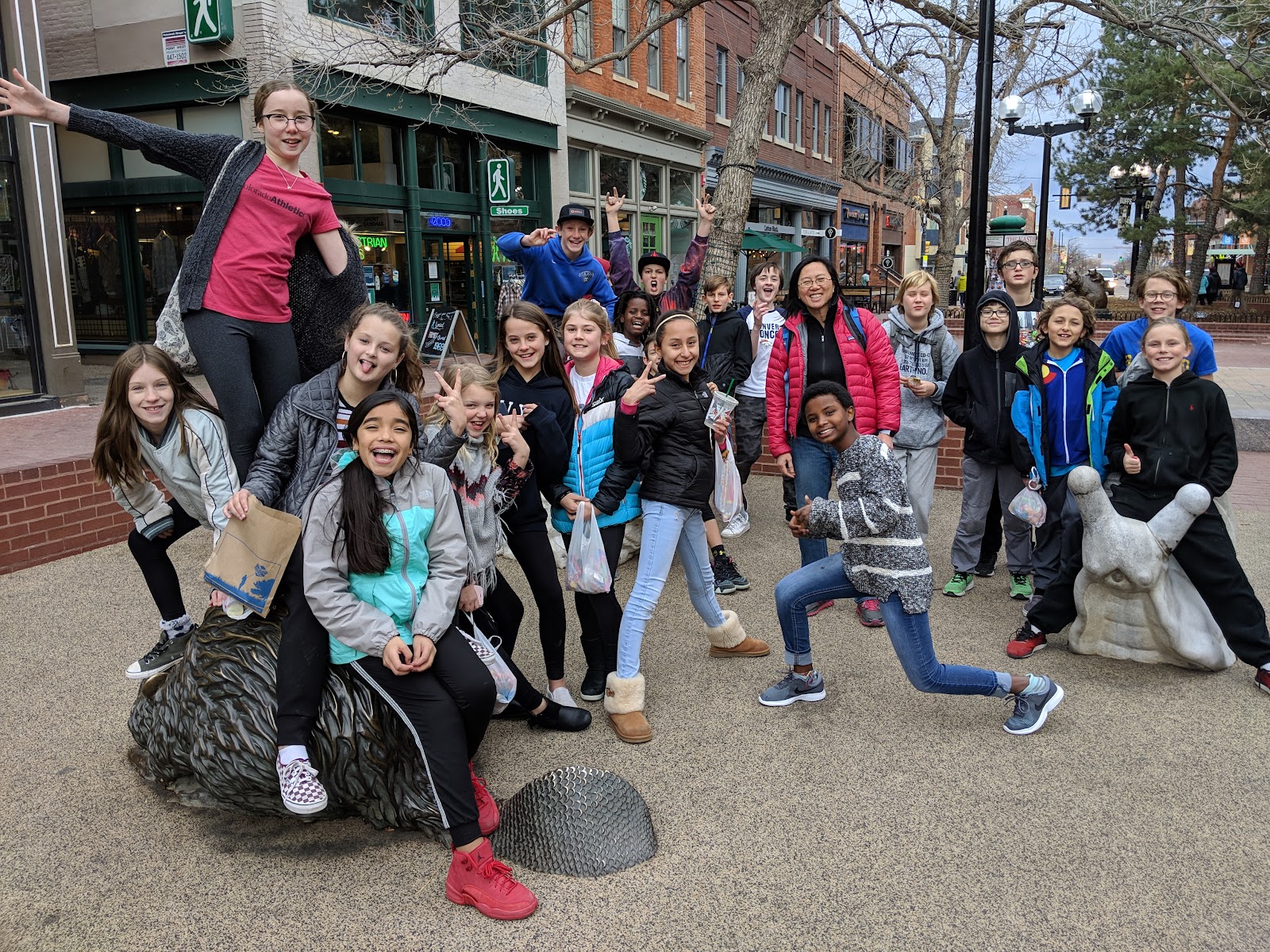
At the end of the year, we do a walking field trip to the Pearl Street Mall area to bring home the point that cybersecurity touches every single aspect of their digital lifestyle. Students are allowed to bring their cell phones and/or tablets to take pictures with their friends and then post it on their personal social media site. I try to recreate what they would do on their digital devices if we were not in a school setting. One of our stops is at Starbucks, and we review the safety considerations of using free public WiFi. What things should you look for when logging into a free WiFi location? How can we ensure that we are not being spoofed, etc?
This year we added the concept of “
war driving”, an action in which individuals drive around capturing network data and usage information. In our case, it was “war walking”, trying to accomplish the same goals on foot. During our walk, they observed the various wireless routers and personal hotspots that pop-up on our route and then, when we got back to the classroom, we used Google Maps to identify the exact location of the WiFi signals. They were amazed at the free tools available online for “war driving”, as well as the amount of information being emitted by all digital devices, such as Bluetooth signals. In addition, this outing provided an impetus for the students to speak with parents regarding securing their home routers.
Lastly, when we get back to the classroom, we look at the pictures they took and learn about
EXIF data, the vast personal information which can be gathered from digital photos. They did not know this information existed and, once they are exposed to it, they do not feel as comfortable sharing these pictures on their social media accounts. Moreover, students think it is “creepy” that someone could have all of this information about them, and yet they themselves provided it. As a result, they are now more cautious about the personal contents they are uploading.
Are there any competitions or events where students can join to compete in cybersecurity to help increase cybersecurity awareness?
The government has recognized that teaching students about cybersecurity are a major priority to help close the current labor force skills gap. By 2021, it is
predicted that we will have an estimated 3.5 million unfulfilled cybersecurity positions. To help increase the workforce pipeline, the government has created a national youth cyber education program,
CyberPatriot. A focus of this initiative is to inspire students to compete in a national cybersecurity competition. High school and middle schools students are put in the position of newly hired IT professionals and tasked with managing the network of a small company. During the competition, teams are provided with a set of virtual images, representing operating systems, and are tasked with finding cybersecurity vulnerabilities within the images. In addition, at the same time, participants are tasked with hardening the system while maintaining critical services in a six-hour period. Here is the
NBC news segment highlighting this program.
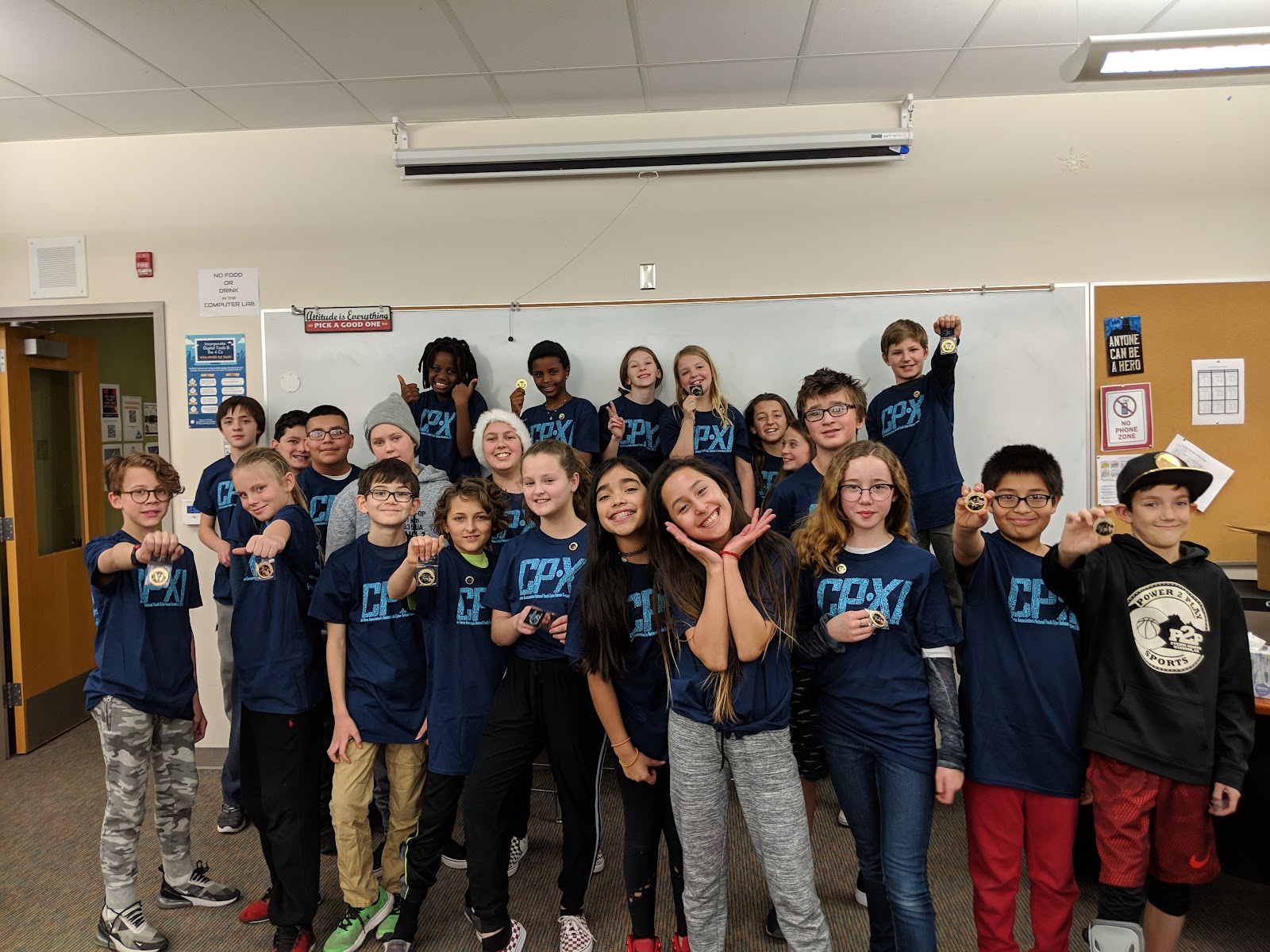
We are proud to be the only middle school in BVSD to have competed in this competition for the past two years. And while the students strongly enjoyed competing, they also gained valuable lessons in perseverance, critical thinking, and teamwork that will prepare them for future opportunities
What is the one thing you want people to know or understand about teaching cybersecurity?
The field of cybersecurity is expanding rapidly, and ALL students need to be exposed to this subject as everything is going online. If it is connected to the Internet, then there is a risk of it being compromised. Thus, if students are aware of simple techniques, such as not to re-use the same password across all digital devices, then they could minimize the potential damage. Teaching students to “Be Internet Awesome”, and elevating their cybersecurity awareness, will minimize the potential damage to their digital lifestyle.
Are you interested in teaching your students to be more
#privacyaware ? Don’t forget that safety and security is a component on the
BVSD Digital Citizenship Scope and Sequence where you can find key learning objectives as well as lesson plan ideas for grades K-12.

 It’s been an exciting month for eight middle schools and K-8s that officially joined the the 1:Web program this March. Centennial, Eldorado K8, Louisville, Manhattan, Meadowlark PK8, Monarch K8, Platt, and Southern Hills have all been working as a part of the 1:Web Cohort 2.0 to prepare their staff, 6th grade students, and community for their own digital device.